Handwriting generator — type text, get real handwriting.
Deepscribble turns typed text into realistic, stroke-by-stroke handwriting on real notebook pages. Pick a style, paper and ink, then export a print-ready PDF or PNG.
Free to start · Print-ready PDF or PNG
How it works
- 1
Pick the paper
Exercise Book · A4 8 mm Feint opens ready to write on — or switch to any other page.
- 2
Paste your text
Type or paste what you've already written. Every line lands on a ruled line, inside the margins.
- 3
Export and print
Download a print-ready PDF or PNG, or print ink only onto paper you already own.
Every letter is drawn
stroke by stroke, not typed in a font.
The same word never comes out the same way twice, so a full page reads as written by hand — not printed.
Written for every job
All use cases →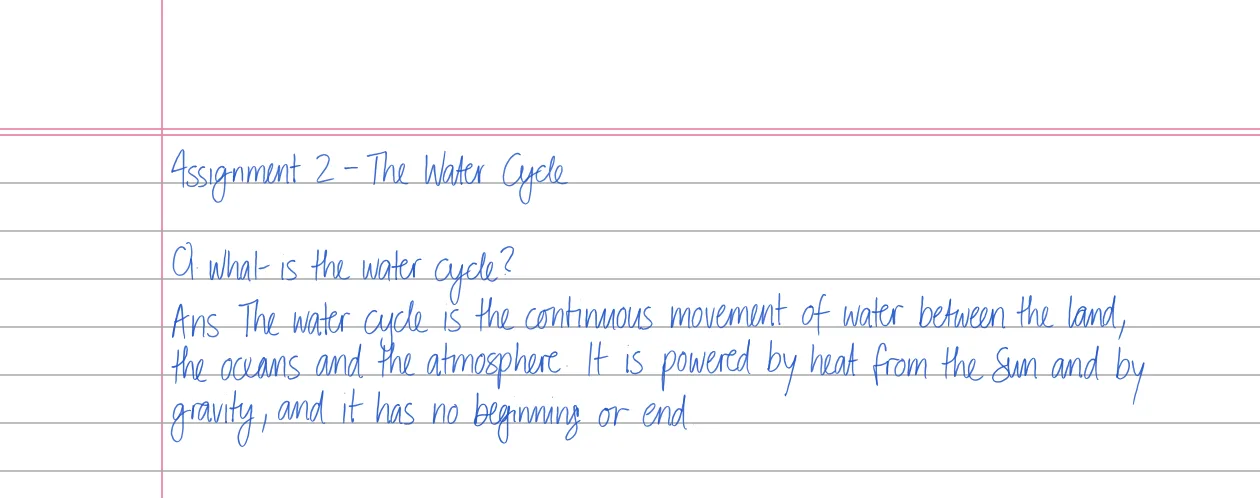
Assignments
Turn the assignments and essays you've already written into clean handwriting on real ruled paper — print-ready PDF or PNG, no hand cramp.
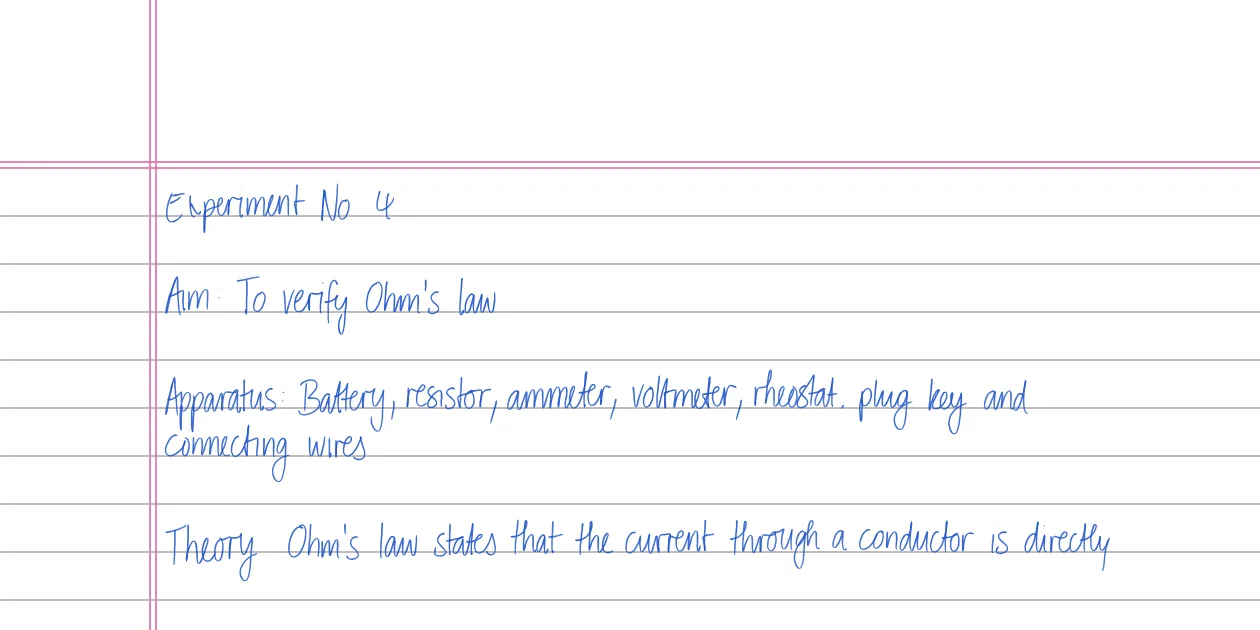
Practical files
Format your own practical-file write-ups as consistent handwriting on the right paper — headings, margins and ruling, exported print-ready for the file.
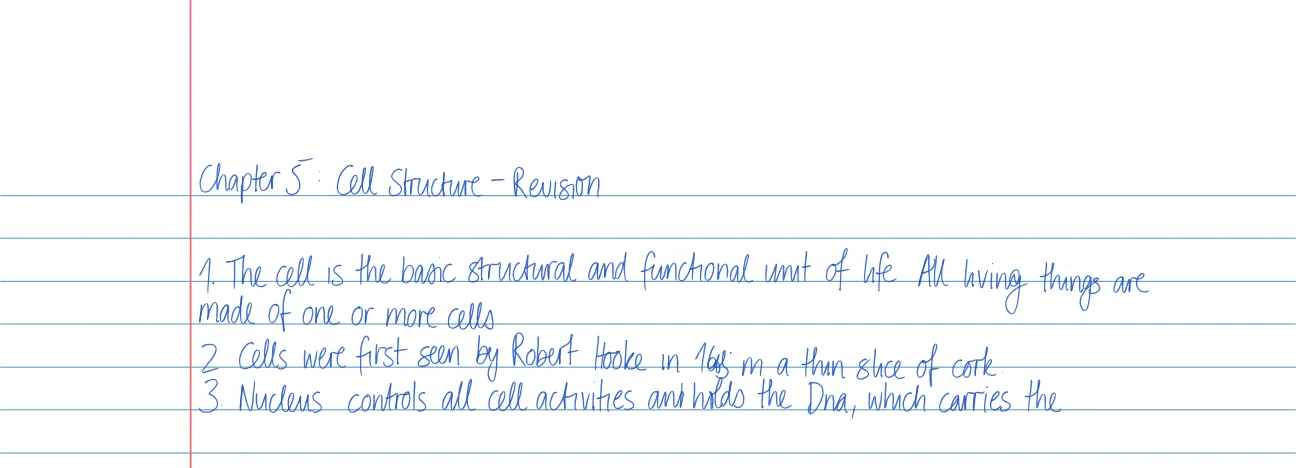
Study notes
Convert your typed study notes into handwritten revision sheets. Handwriting aids recall — get the memory benefit without re-copying everything by hand.
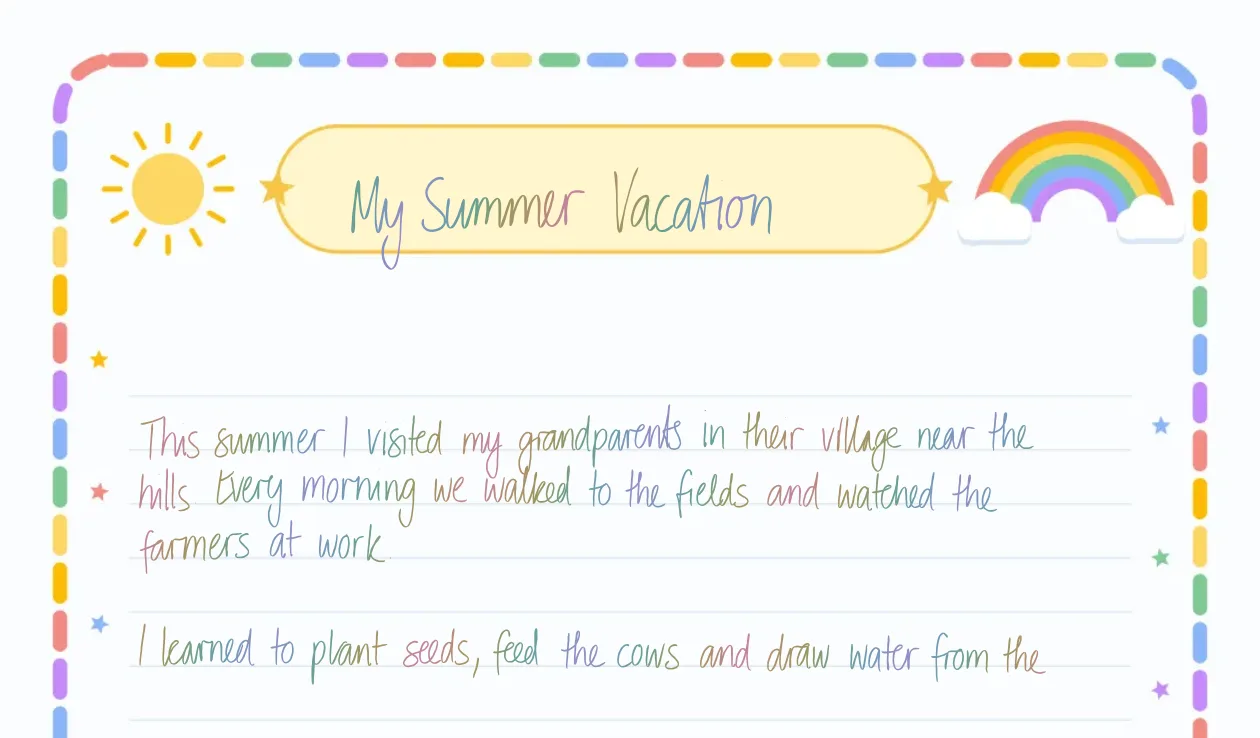
Holiday homework
Turn the holiday-homework answers you've already written into neat handwriting on real ruled or designer sheets — consistent hand, print-ready PDF.
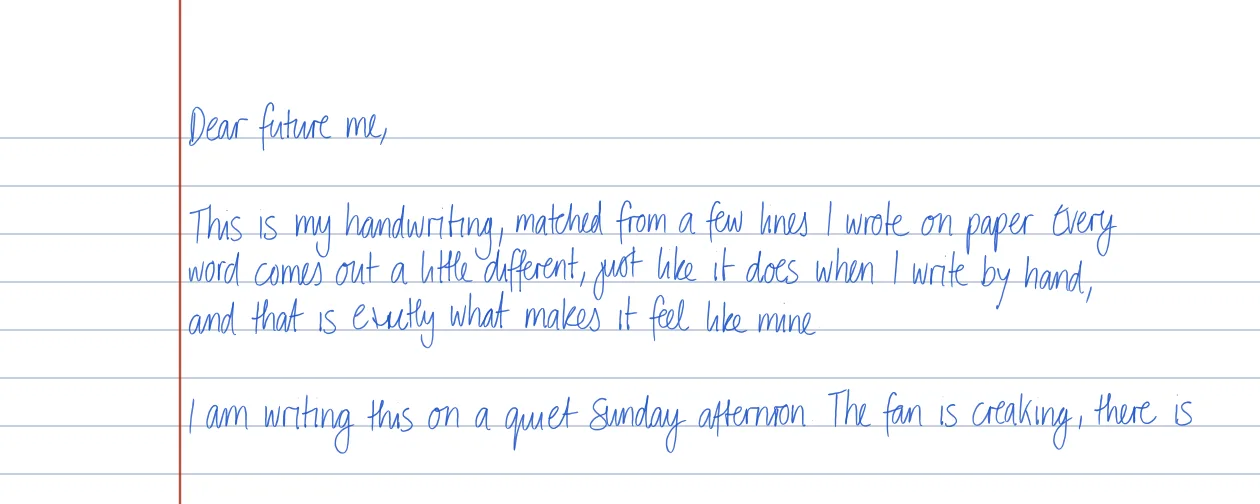
My handwriting
Want to write in my handwriting? Draw or upload a sample and Deepscribble matches the closest built-in style to your own hand, saved to reuse on any page.
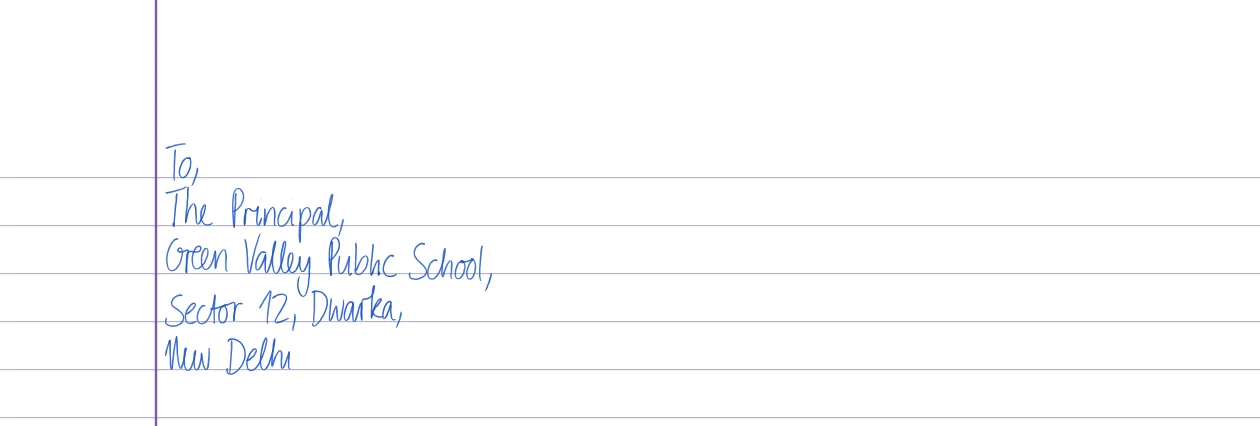
Application letters
Draft your leave or job application, then render it as a handwritten application letter on real A4 paper — a consistent hand, print-ready PDF to sign and submit.
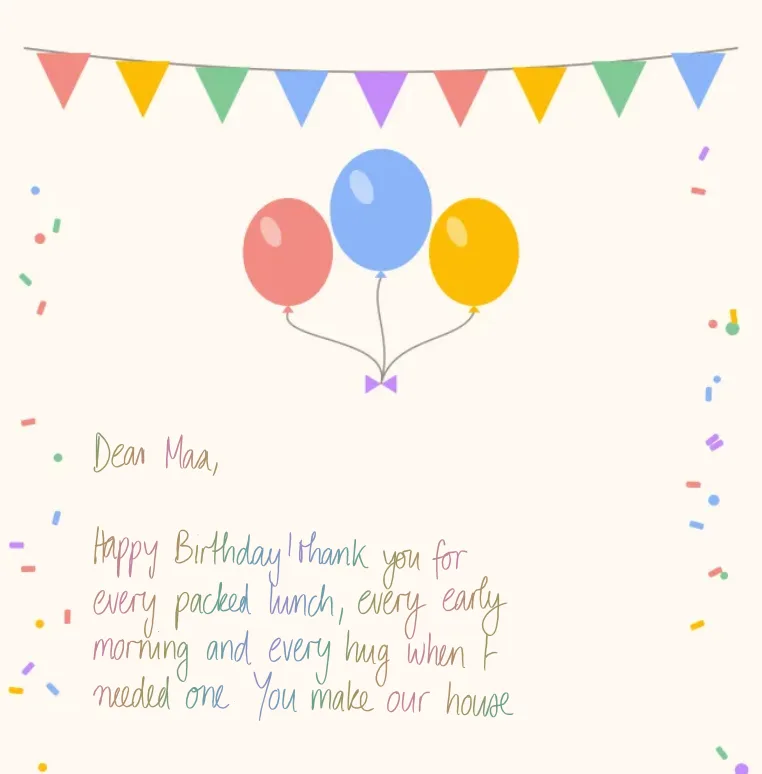
Greeting cards
Write handwritten greeting cards in your own words and one warm, consistent hand — birthdays, festivals, thank-yous. Personalise the ink and paper, then print.
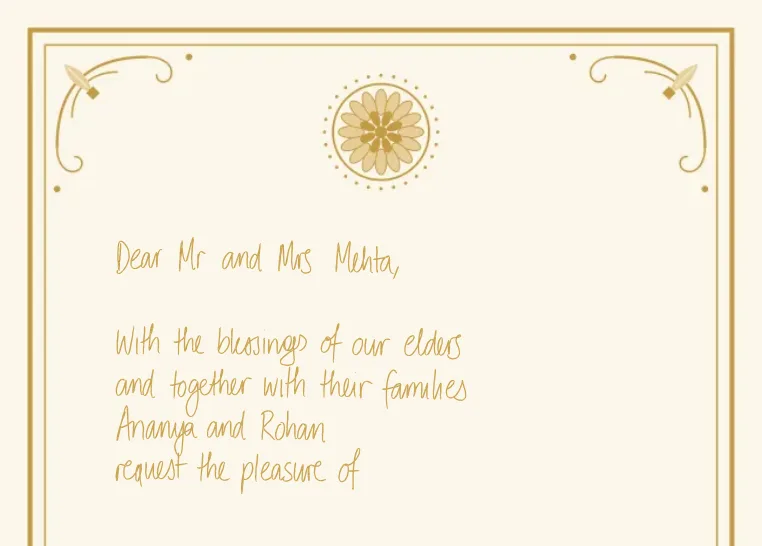
Wedding invites
Create handwritten wedding invitations with a consistent hand across every card — personalise guest names, choose your ink, and export print-ready PDFs.
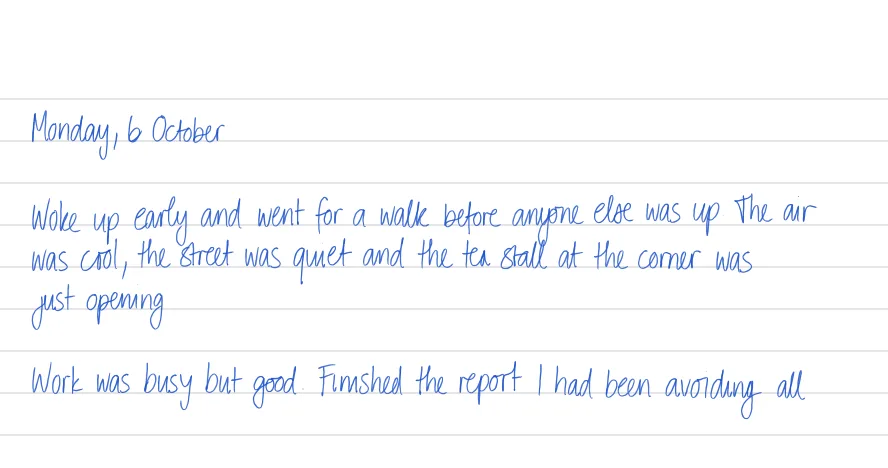
Journal
Type your diary entries and keep them as a handwritten journal on real dated pages — natural strokes, your own style and ink, printed or saved privately.
On every paper
All paper & templates →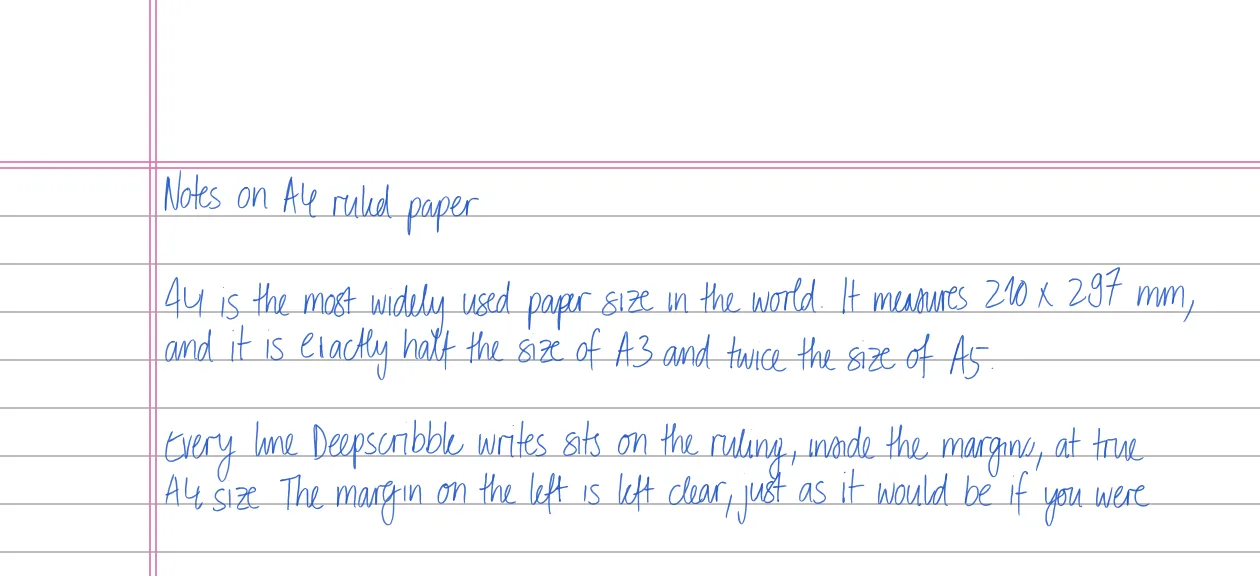
A4
Generate realistic handwriting on a true-to-size A4 page — correct proportions, even margins, ruled or unruled. Export print-ready PDF or PNG.
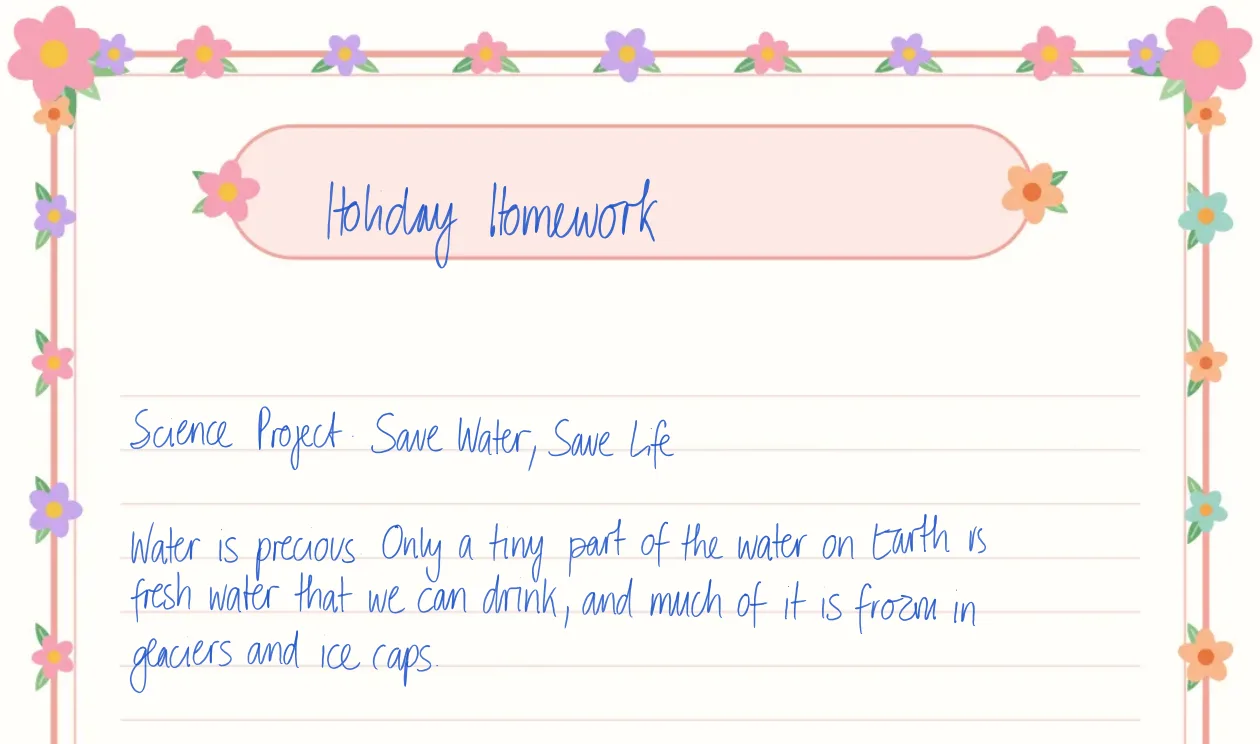
Designer sheet
Generate handwriting on decorated 'designer' sheets — themed borders for holiday-homework projects. Your own content, neatly written and print-ready.
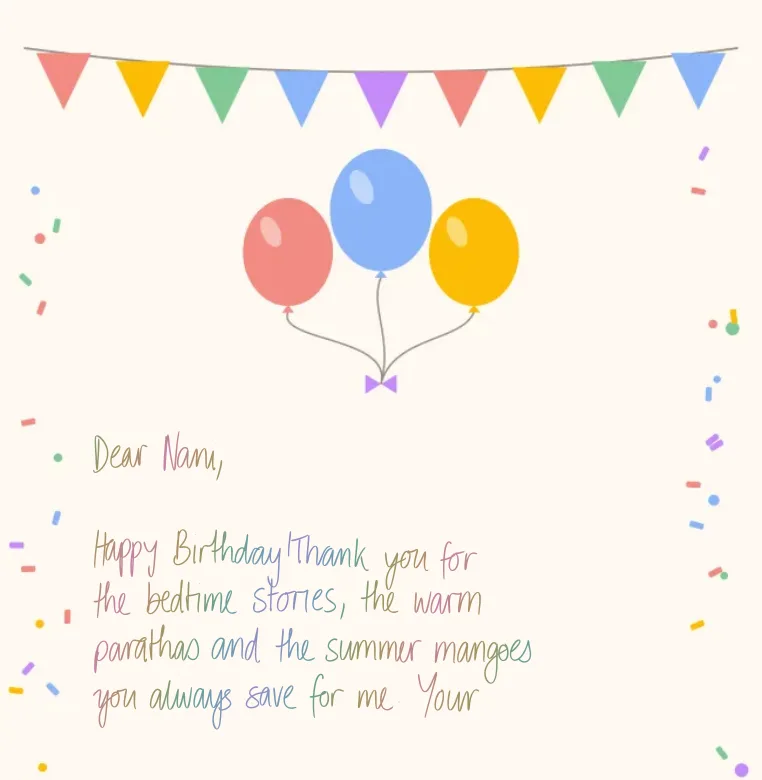
Cards
Write your message by hand on decorated 5 × 7 in card templates, from birthday balloons to Diwali diyas. Print on A4, trim and the card is ready to give.
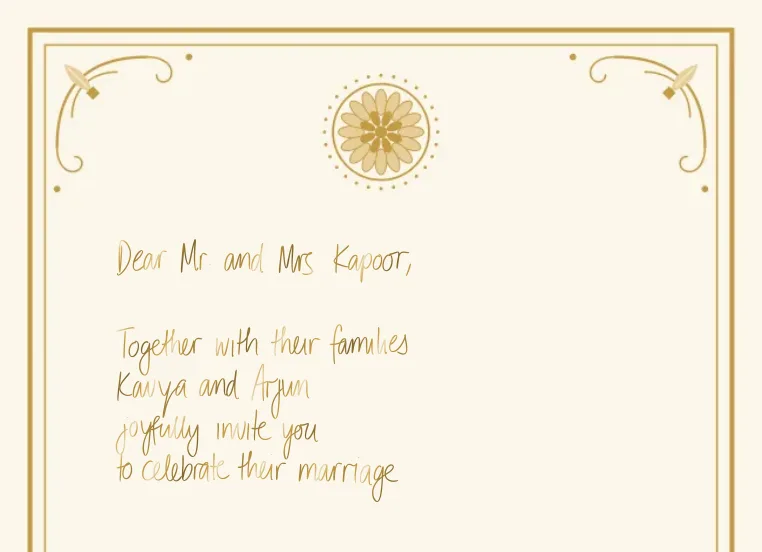
Formal invites
Write formal invitations by hand on a gold-framed 5 × 7 in card for weddings, anniversaries and dinners. Personalise each guest's name and print on A4 to trim.
Real strokes, not a font
Most handwriting generators are fonts that tile the same letter, which the eye catches instantly. Deepscribble generates each character as pen strokes with natural slant, ligatures and micro-variation, on a page whose margins and ruling it knows in advance.
On the paper you actually use
Write onto ruled A4, a designer sheet, a card or a formal invitation, and every line sits on the ruling inside the margins — what you preview is exactly what prints.
Questions
Is this a handwriting font or real handwriting?
Real handwriting. Deepscribble synthesises each letter in stroke space, so the same word written twice differs naturally — unlike a font that repeats a fixed glyph every time.
Can I use my own handwriting?
Yes. Draw or upload a sample and 'Match my handwriting' finds the built-in styles closest to your hand, which you can save and reuse on any page.
What can I export?
Print-ready PDF, PNG, or a ZIP of pages. 'Print it' mode lays down ink only on a transparent page so you can print onto your own ruled paper; 'Share online' gives a full scanned-page look.
Is it free?
Yes, there's a free tier. You can set up your page, style and text without an account; generating the handwriting needs a free account. Premium styles and custom-trained handwriting are on the paid plan.
Type it. Write it. Print it.
Real handwriting on real paper, from the text you already have.
Scribble it for me